
Pixel Munch
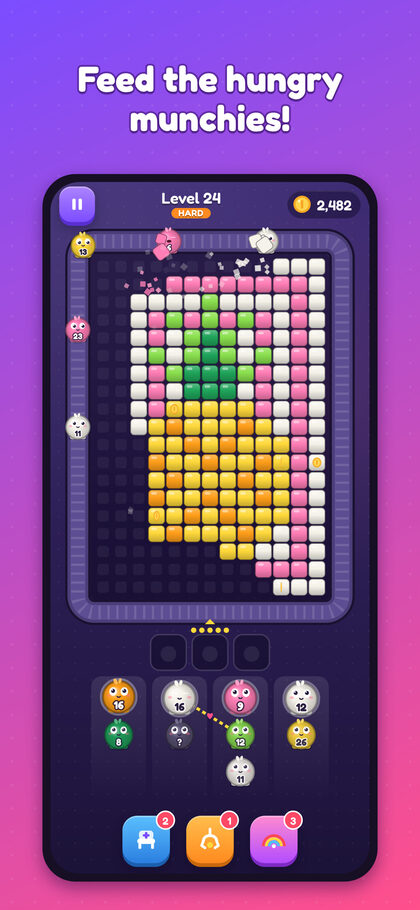
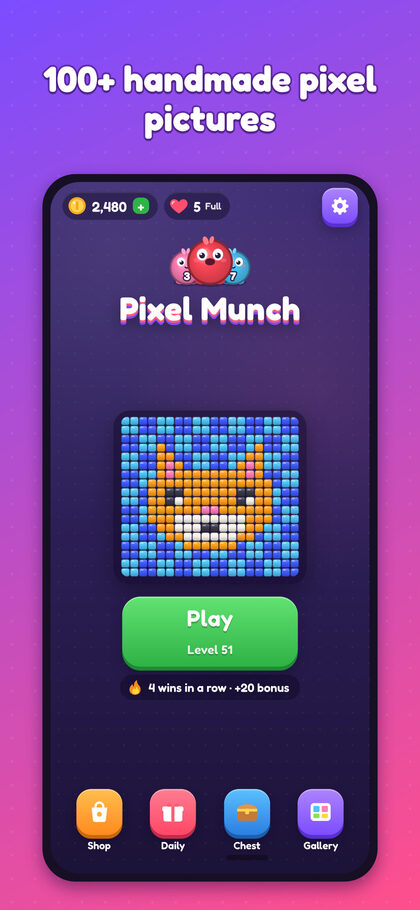
Send hungry munchies around pixel-art pictures and clear every cube.
How to play
- TapSend the front munchie of a line onto the belt.
- MunchIt eats the cubes of its colour it can see, from the outside in.
- PlanStill hungry? It waits on the bench. Three of a kind fuse into one.
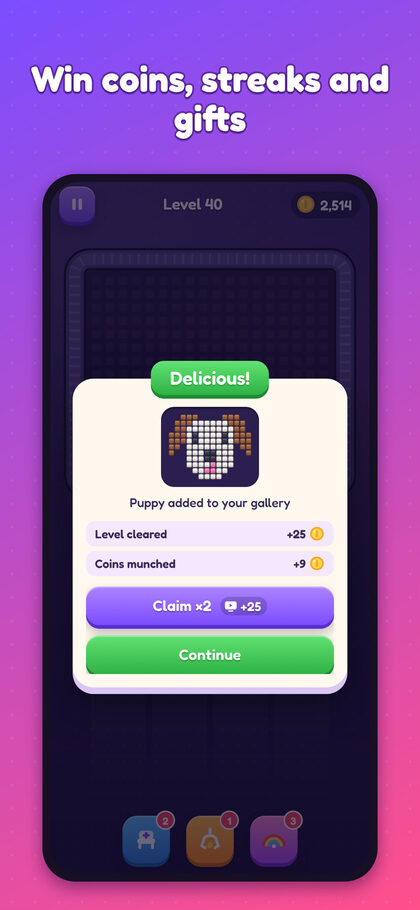
- ClearEmpty the picture to win coins and add it to your gallery.
Support
A bug, a question, a purchase that did not arrive, or an idea for a picture? In the game, open Settings → Support: your message reaches us with the details we need to help (device, game version, purchase identifier). You can also write to alexandre@pishko-tech.com; please include your device model.
A purchase did not arrive
Reopen the game with an internet connection: purchases that were pending or approved later (Ask to Buy, a payment to confirm in your bank app) are credited then. Still missing? Tap Settings → Restore purchases, then contact us through Settings → Support so we can look it up.
Restoring "No Ads" on a new device
Sign in to the same App Store or Google Play account, then tap Settings → Restore purchases (also in the Shop). Coin packs, the Starter Pack and the Munch Bundle are consumed when credited, so they can't be restored.
I bought No Ads but still see videos
No Ads removes the ads between levels. Rewarded videos (double your coins, an extra life, a free continue) stay available because they are always your choice: you never have to watch one.
Refunds
Payments go through Apple or Google, so they handle refunds: on iPhone and iPad at reportaproblem.apple.com, on Android from your Google Play order history.
Your progress
There is no account: progress is saved on your device and included in your phone's normal backup (iCloud backup or Android backup). Restoring that backup on a new phone brings it back. Deleting the game without a backup erases it, and we can't recover it.
Ads and privacy choices
Change your ad consent at any time with Settings → Privacy choices (in the regions where it applies) and, on iPhone and iPad, in iOS Settings → Privacy & Security → Tracking. Read the Privacy Policy to see what the game uses, and email us to access or delete your data.